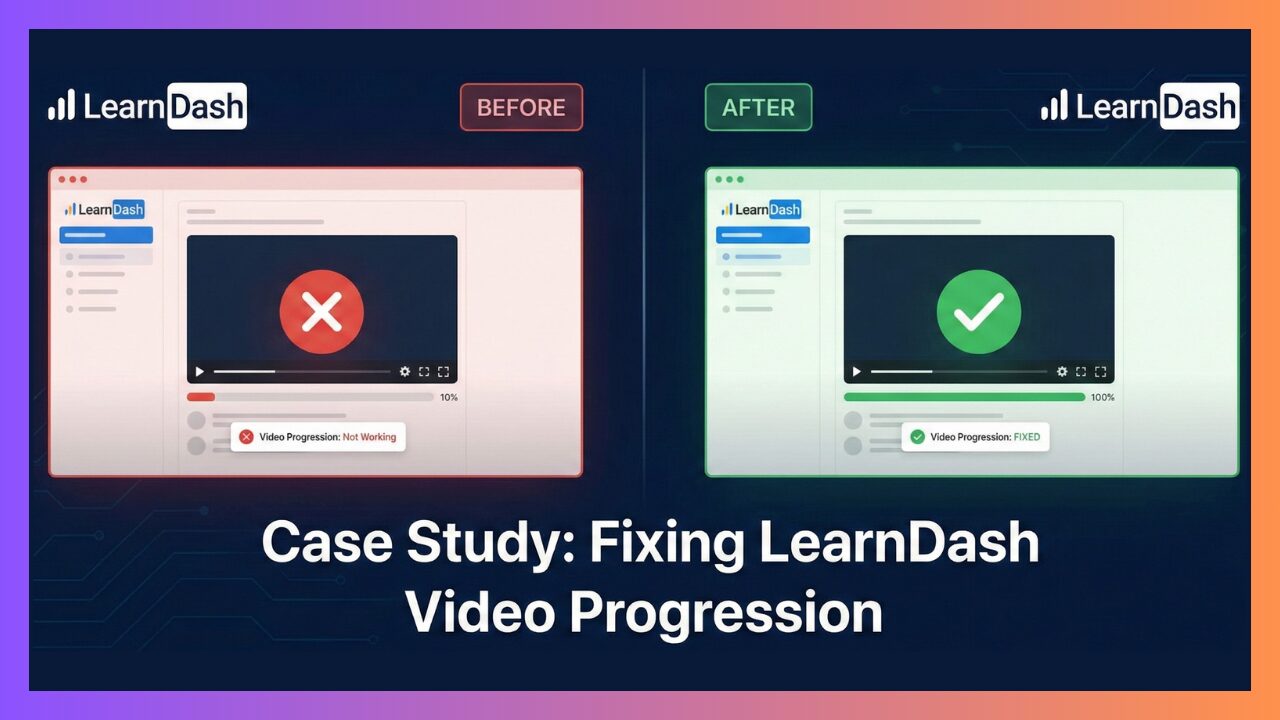
Case Study: Fixing LearnDash Video Progression Not Working with BuddyBoss Theme
One of our clients was experiencing a critical LearnDash issue on their LMS website built with LearnDash + BuddyBoss Theme. Their LearnDash Video Progression is Not Working with the BuddyBoss Theme.
The Problem:
✅ Video URLs were correctly added in Video Progression at backend
✅ Video Progression was enabled
❌ Videos were not displaying
❌ Lessons and topics were not being marked complete
❌ [ld_video] shortcode was showing as plain text
This issue was affecting both lessons and topics, breaking the entire learning flow.

Environment Setup
- LMS Plugin: LearnDash (latest version)
- Theme: BuddyBoss Theme (with BuddyBoss Platform)
- Video Provider: Vimeo
- Template Pack: LearnDash 3.0
- Theme Type: BuddyBoss Child Theme (active)
- Developer: Lms Crafter LearnDash Developers
Initial Symptoms
- LearnDash video progression worked perfectly when switching to a default WordPress theme (Twenty Twenty-Five or Hello Elementor).
- As soon as BuddyBoss was activated:
- Videos disappeared
- Video progression failed
- Completion logic stopped working
This immediately confirmed a theme-level conflict, not a LearnDash configuration issue.
Step-by-Step Troubleshooting Process
We followed a structured, professional debugging process:
1. Verified LearnDash Settings
- Video Progression enabled
- Valid Vimeo video URLs
- Correct lesson/topic display timing
✅ Everything was configured correctly
2. Tested with Default Theme
- Switched from BuddyBoss to a default WordPress theme
- Video progression worked instantly
✅ Confirmed BuddyBoss was the source of the conflict
3. Attempted Code-Based Fixes (functions.php)
We tried multiple safe and standard approaches:
the_contentfilterslearndash_contentfilters- Forced
[ld_video]injection - JavaScript-based fallbacks
❌ None of these worked — BuddyBoss was bypassing all standard LearnDash hooks.
The Real Root Cause (Important)
Why did this happen?
The BuddyBoss theme is designed to work perfectly with the standard LearnDash templates. It achieves this by taking control of how lessons and topics look.
After a deeper investigation, we discovered the actual issue:
LearnDash “Modern UI (Beta)” appearance features were enabled.

When LearnDash Modern UI is active inside a BuddyBoss environment, it:
- Overrides LearnDash rendering logic
- Conflicts with BuddyBoss lesson layouts
- Prevents
[ld_video]and video progression scripts from loading
This is a known but undocumented conflict when using:
LearnDash + BuddyBoss + Modern UI (Beta) together.
Final Fix (What Actually Worked)
Step-by-Step Solution:
- Go to LearnDash LMS → Settings
- Scroll to the Appearance section
- Disable ALL Modern UI options:
- Login & Registration ❌
- Course Pages ❌
- Group Pages ❌
- Save settings
- Clear cache
- Reload lessons and topics

🎉 Instant result:
- Videos started showing correctly
- Video progression worked
- Lessons & topics marked complete automatically
- No code hacks required
Why This Fix Works
- Template Overrides: BuddyBoss works by heavily overriding the standard LearnDash templates to apply its own design and functionality.
- Structural Mismatch: The “Modern UI” (Beta) changes the underlying DOM structure and hooks. Since BuddyBoss is looking for the standard structure, it fails to recognize these new elements.
- Broken JavaScript Triggers: This structural mismatch prevents BuddyBoss from injecting the necessary JavaScript listeners, causing the video progression logic to fail silently.
✅ Disabling Modern UI restores stable, core LearnDash behavior.
Final Outcome
✅ LearnDash video progression working on:
- Lessons
- Topics
- Courses with sub-steps
✅ Fully compatible with BuddyBoss
✅ Stable, update-safe solution
✅ No template overrides required
Key Takeaway for LMS Owners
Avoid using LearnDash Modern UI (Beta) with BuddyBoss Theme.
For serious LMS websites:
- BuddyBoss → handles layout & UX
- LearnDash → handles progression & logic
- Mixing both UI systems causes conflicts